Tools I built
For Windows
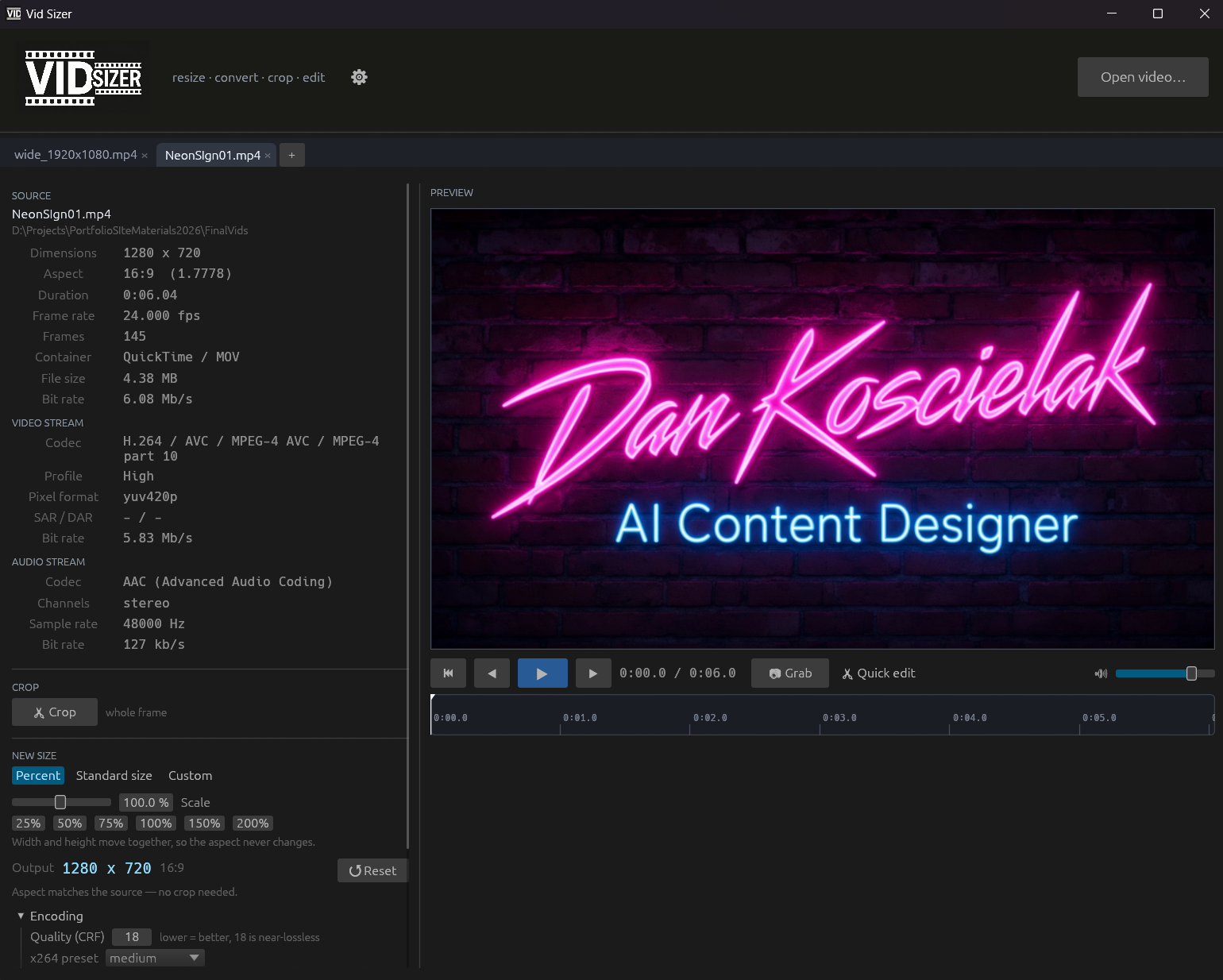
Drop a video in. See everything about it, pick a new size, drag a crop box if you need one, render. The file lands next to the original with its new dimensions in the name.
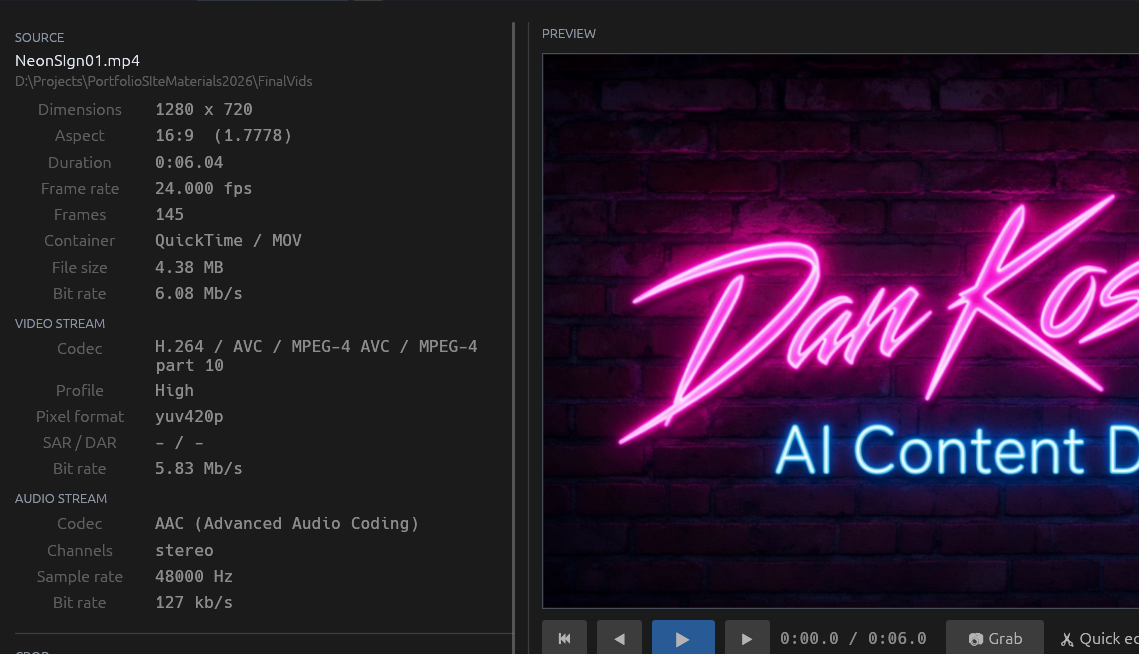
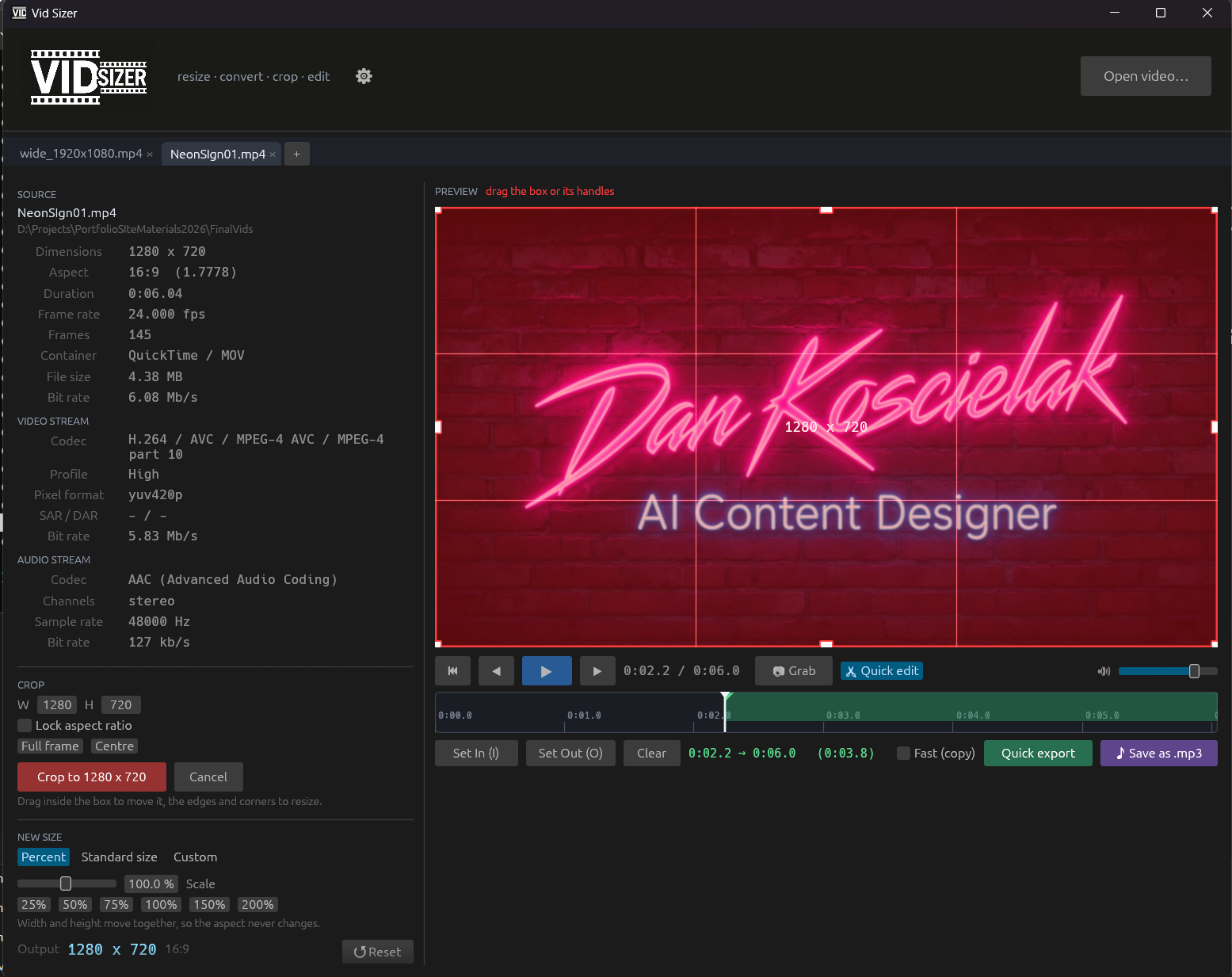
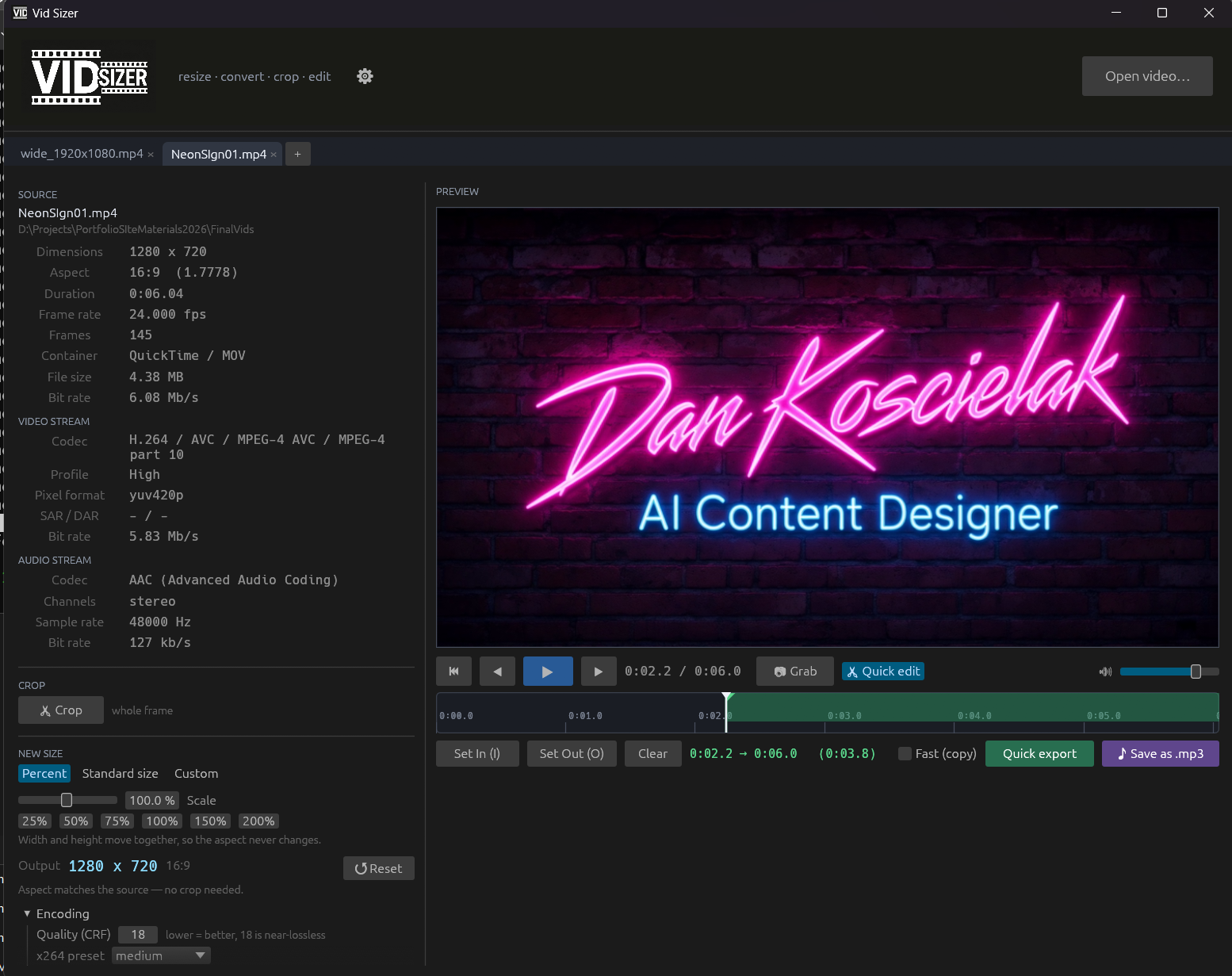
Every resize used to be a trip to the command line and a guess at the filter string. Vid Sizer is one executable that drives ffmpeg and shows its working - dimensions, aspect, frame rate, codecs, bit rates, and rotation metadata respected, so a phone clip reads as what you actually get out. Resize by percent, by preset, or by exact numbers. Crop with a draggable box that locks aspect or takes typed dimensions, and the preview keeps playing underneath it with the audio in sync, so you frame against motion rather than against frame one. Mark an in and an out for a trimmed export, grab full-resolution stills named by timecode so they sort in order, or pull the audio out as MP3. Several files open at once in tabs, each rendering on its own.
In: MP4 / MOV / MKV / AVI / WEBM and the rest · Out: H.264 at CRF 18, PNG stills, 320 kbps MP3 · One exe, no installer · Built in Rust
For Any browser
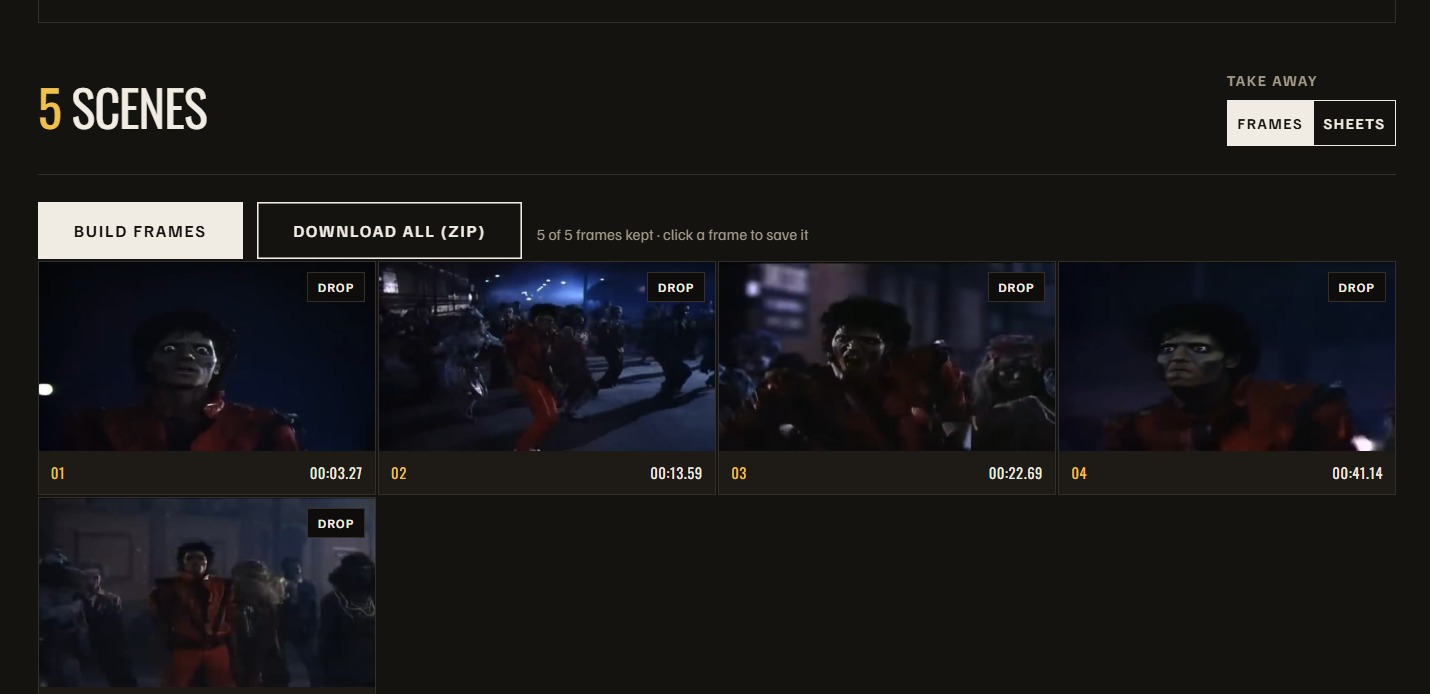
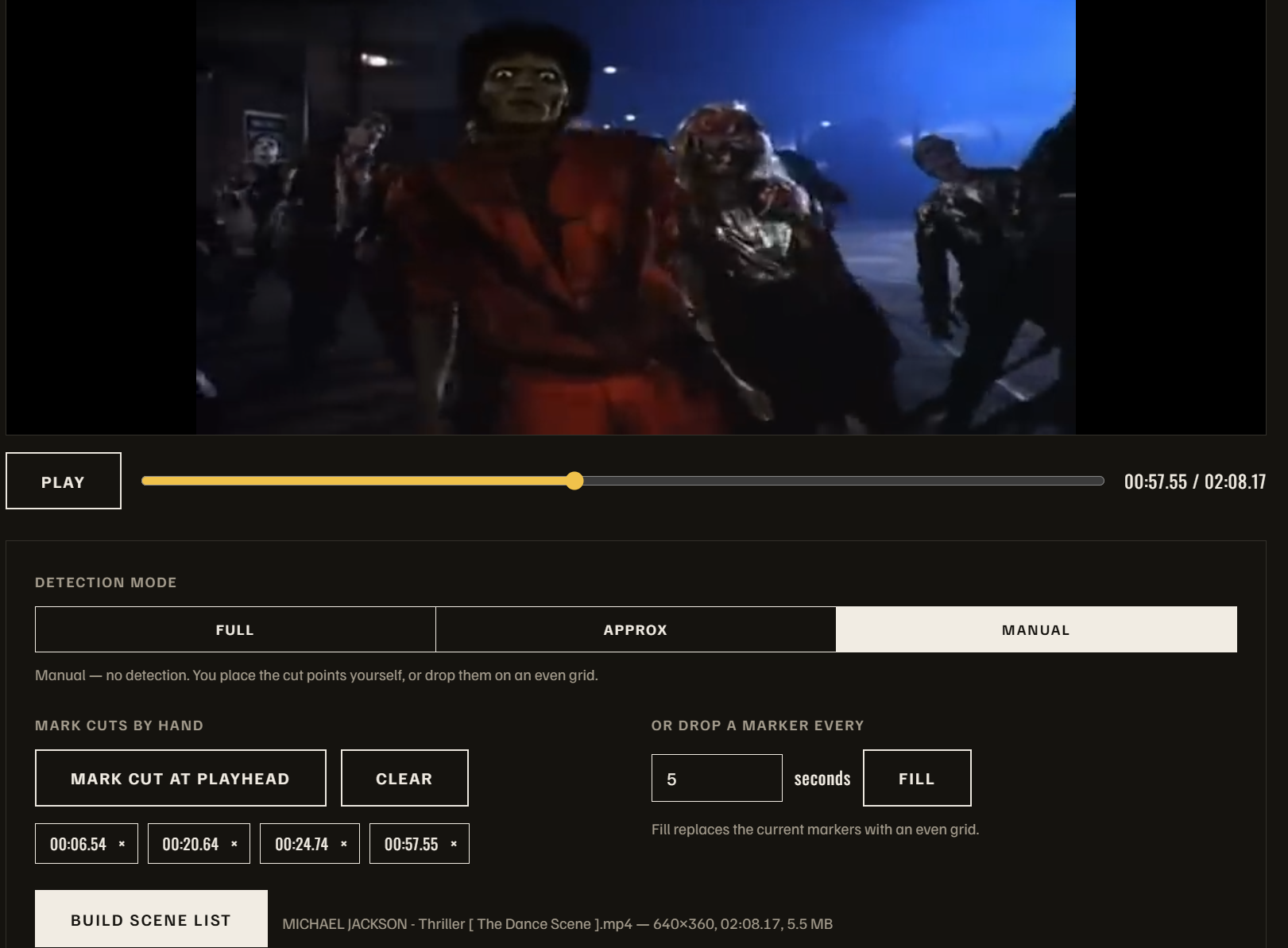
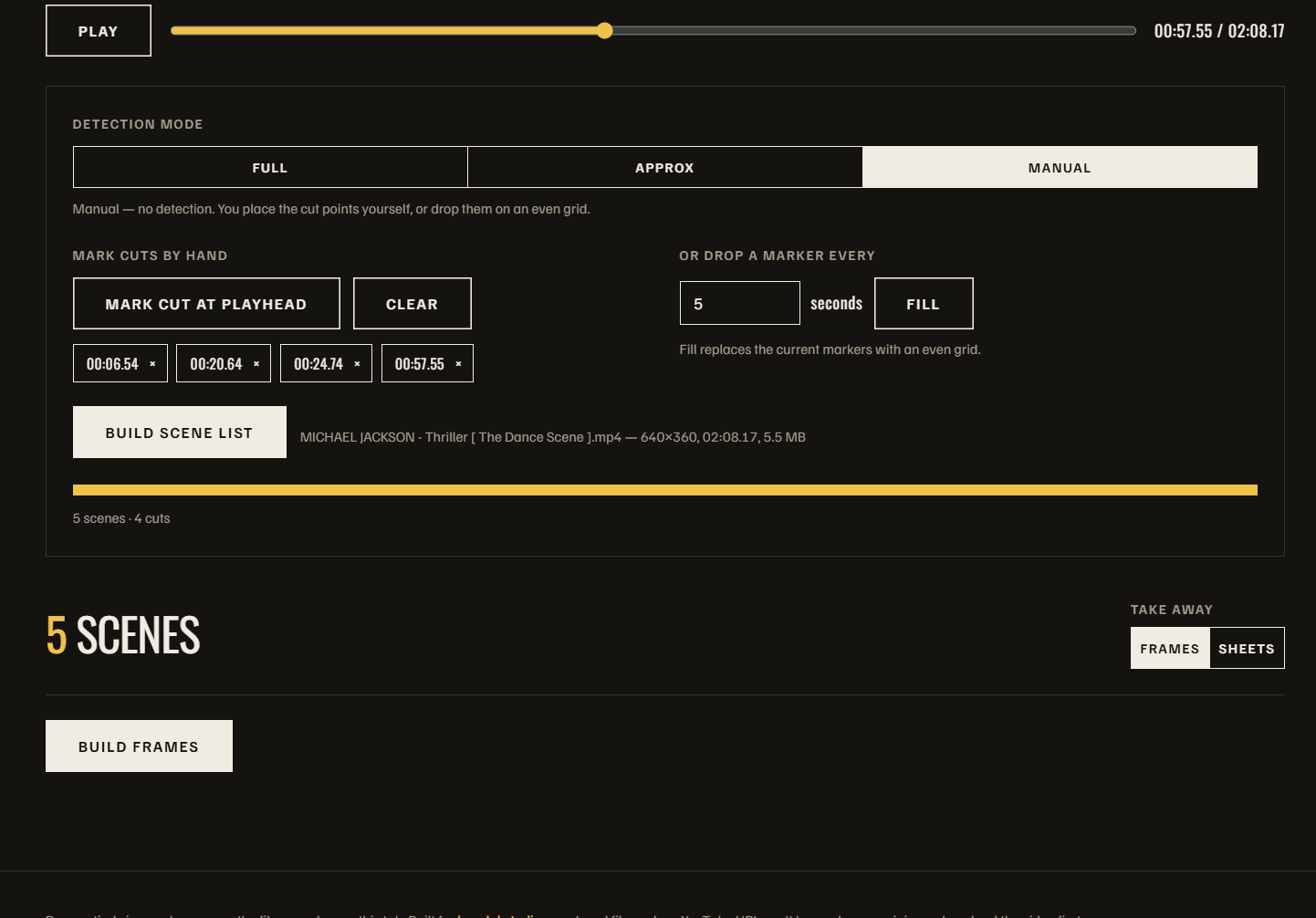
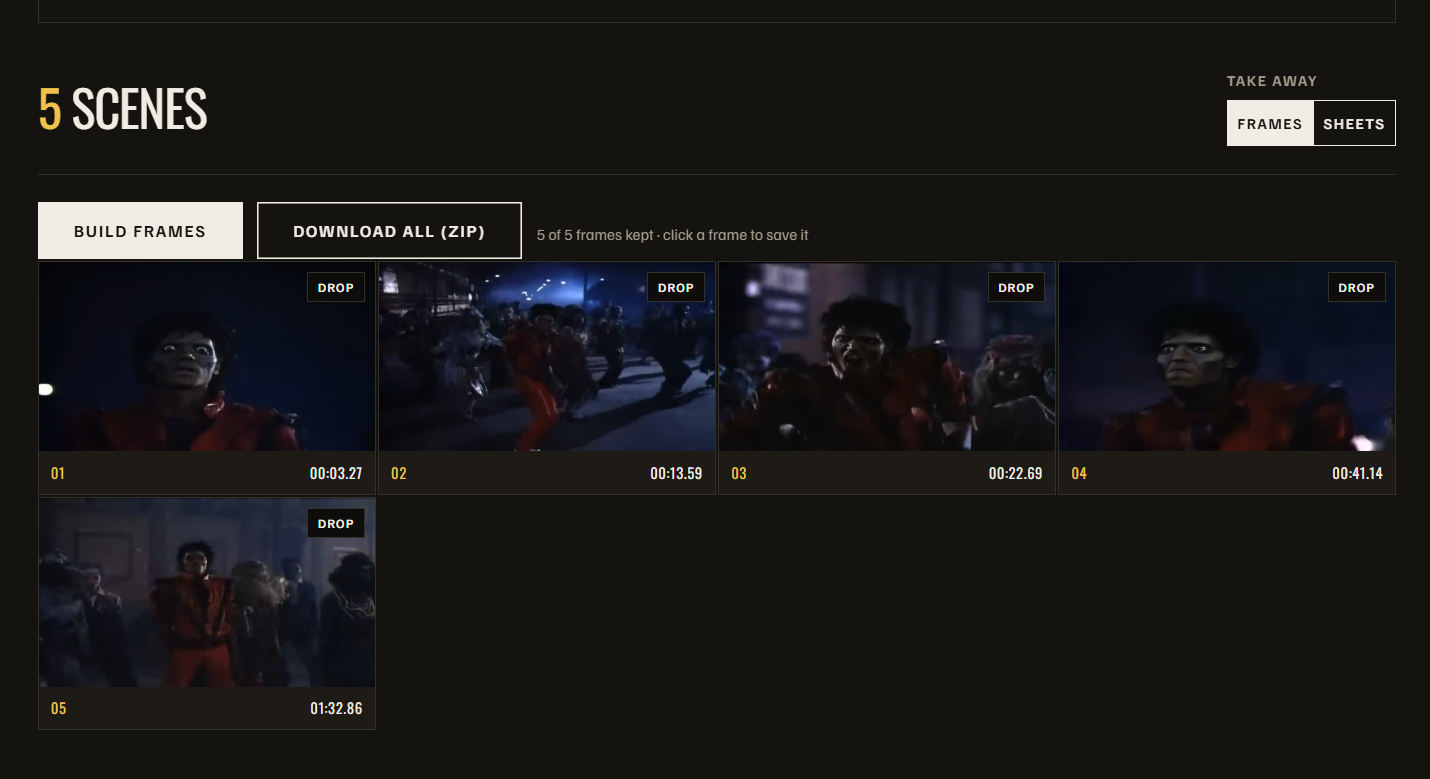
Drop a video. The browser decodes it off your disk, scores the cuts, and hands you one frame per scene - or a numbered, time-stamped contact sheet. Nothing is uploaded. Nothing is stored.
I kept needing one clean still per scene off a rough cut - for a board, a thumbnail pass, a look review. Shot Extractor decodes the file off your disk, scores every frame it can, and finds the cuts by watching for a difference spike against its own neighbourhood rather than a fixed threshold, so it holds up in dark footage and busy footage alike. Take away one full-resolution frame per scene, or a numbered, time-stamped contact sheet per scene. Full, Approx and Manual detection; Strict to High sensitivity. Nothing uploads - it runs with the network off.
In: MP4 / MOV / WEBM / MKV · Out: PNG frames or JPEG contact sheets, ZIP · Runs entirely in the tab · No signup, no upload
For DaVinci Resolve
Cuts to the beat, without counting on your fingers.
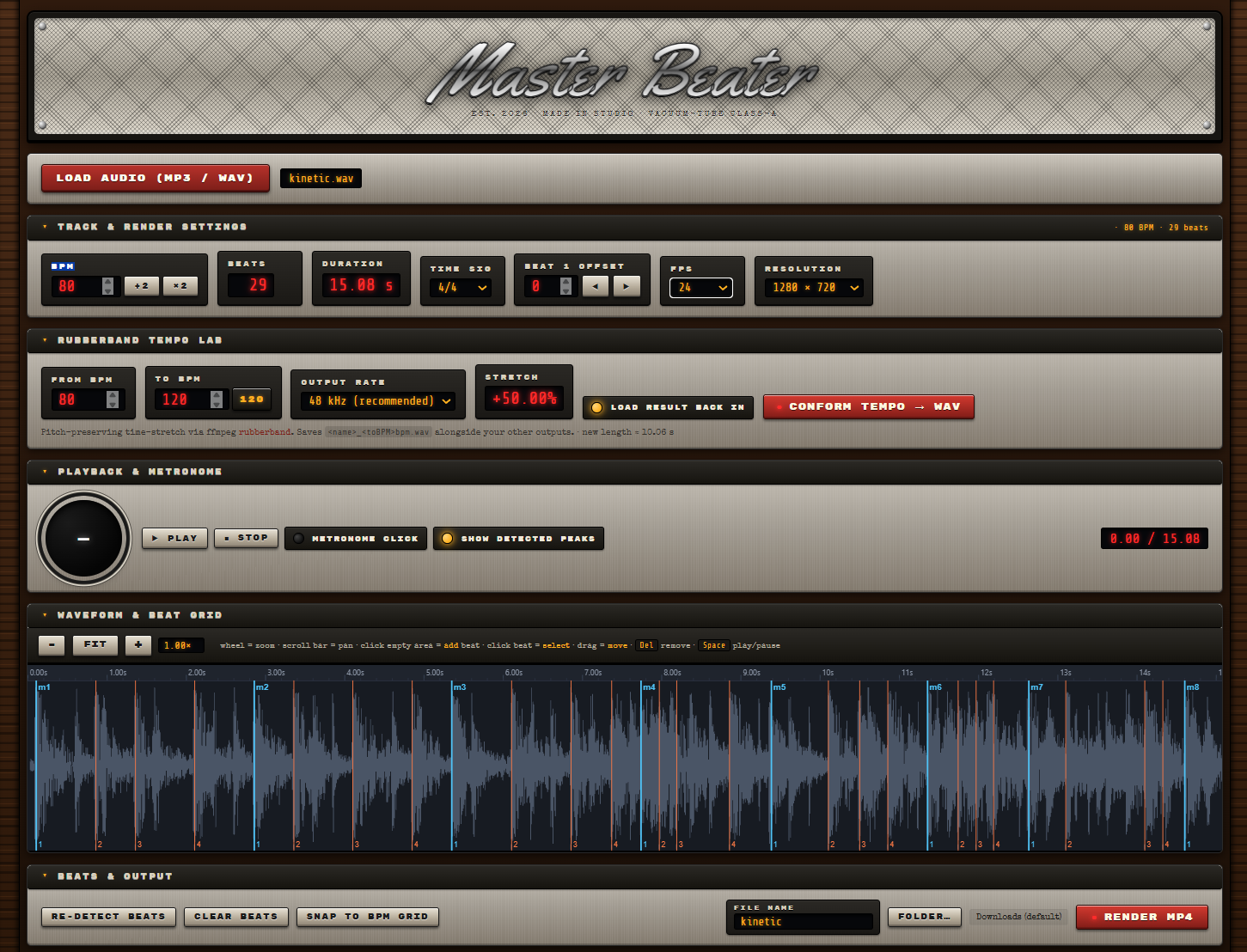
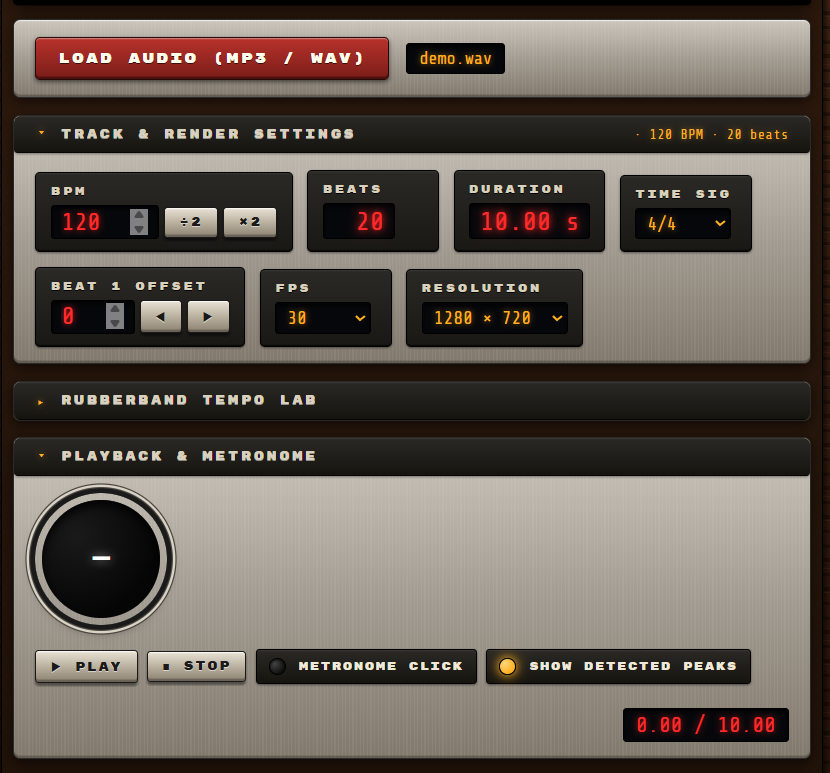
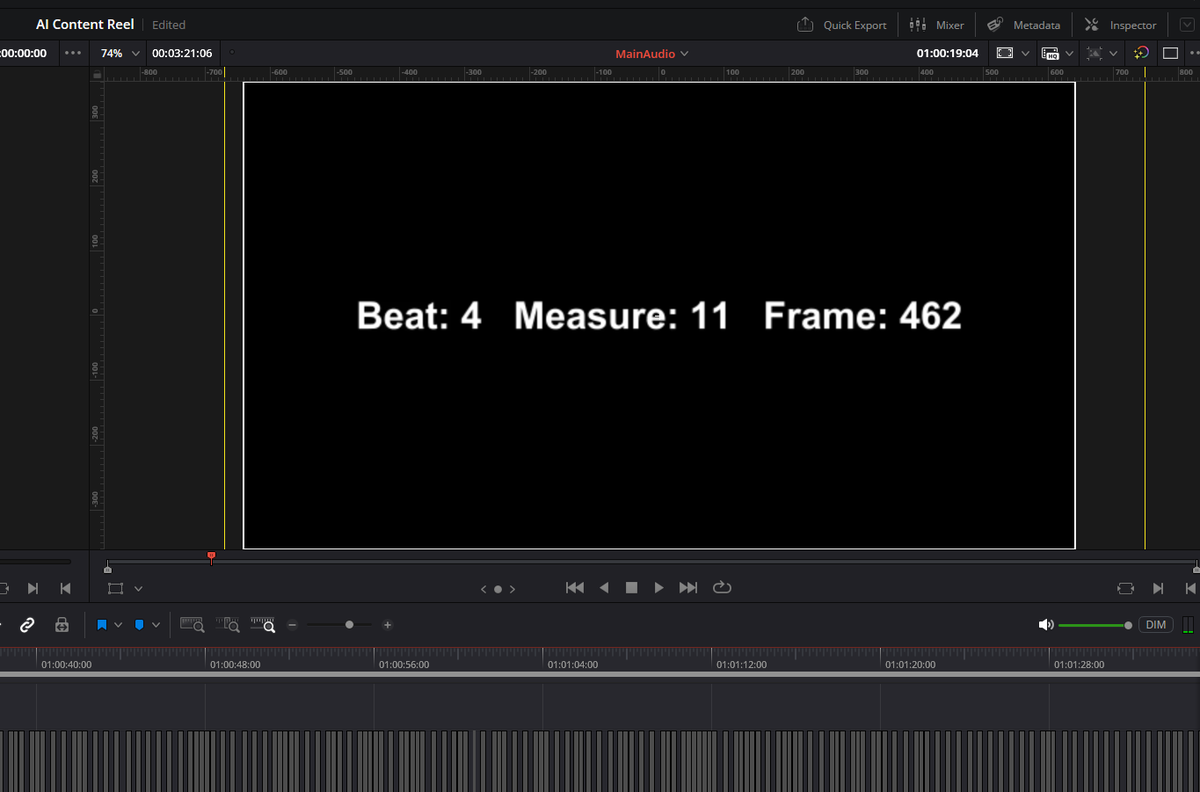
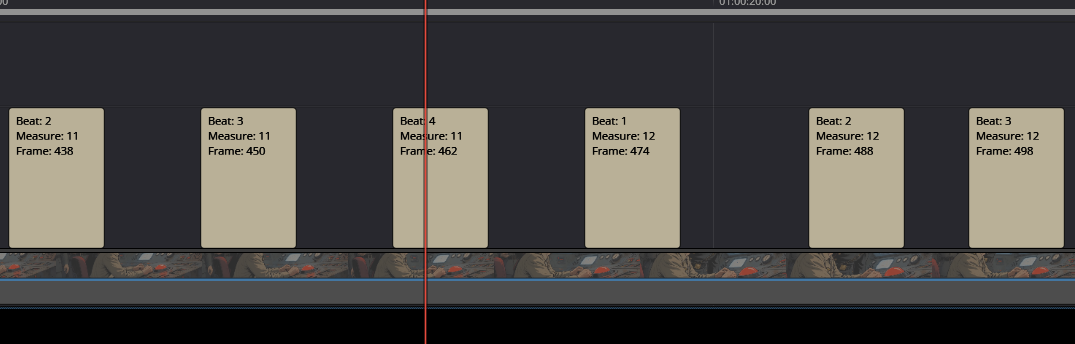
Cutting video to music is harder than it should be. Master Beater takes an MP3 or WAV, tracks it into beats and measures, reads your project frame rate, and renders an MP4 you drop on your timeline as a visual beat cue. It also exports a subtitle track that calls out the beat and measure as you scrub. Song is 118 BPM and you need 120? A converter panel retimes the track and re-exports the cue at the new tempo.
In: MP3 / WAV · Out: MP4 beat cue + subtitle track · Reads project frame rate · Tempo converter · Used on: the reel and Kinetic type
In development
For ComfyUI, DaVinci Resolve
Fewer round trips between ComfyUI and Resolve.
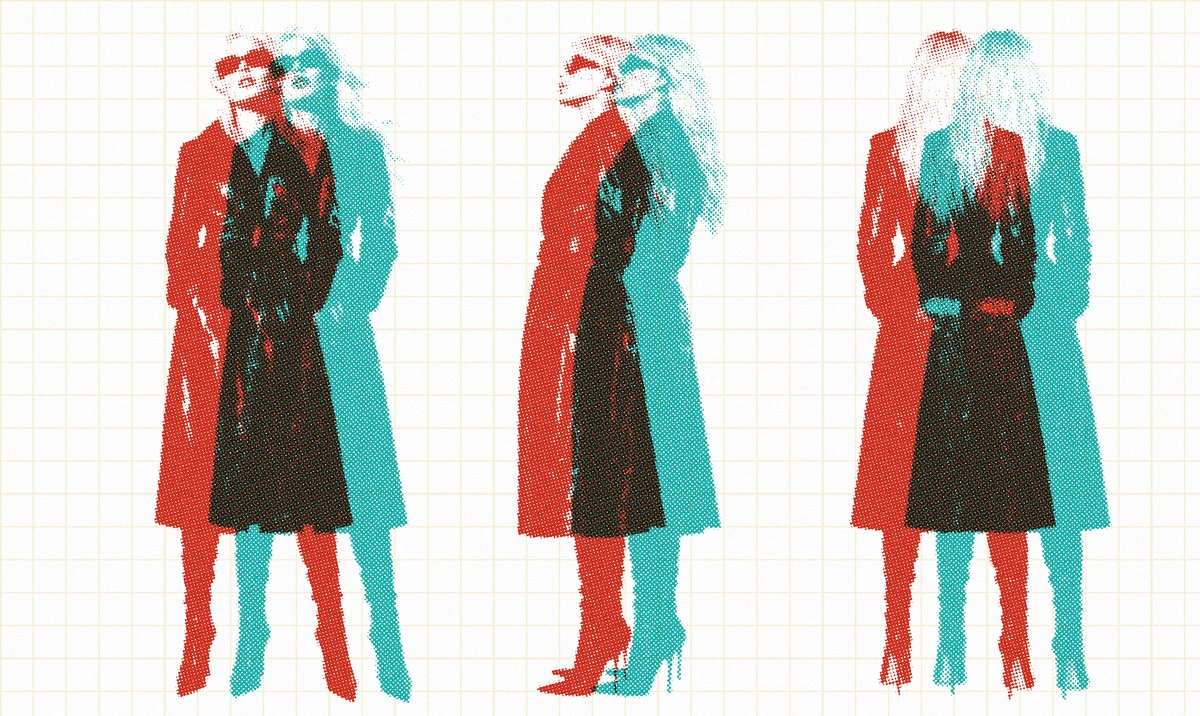
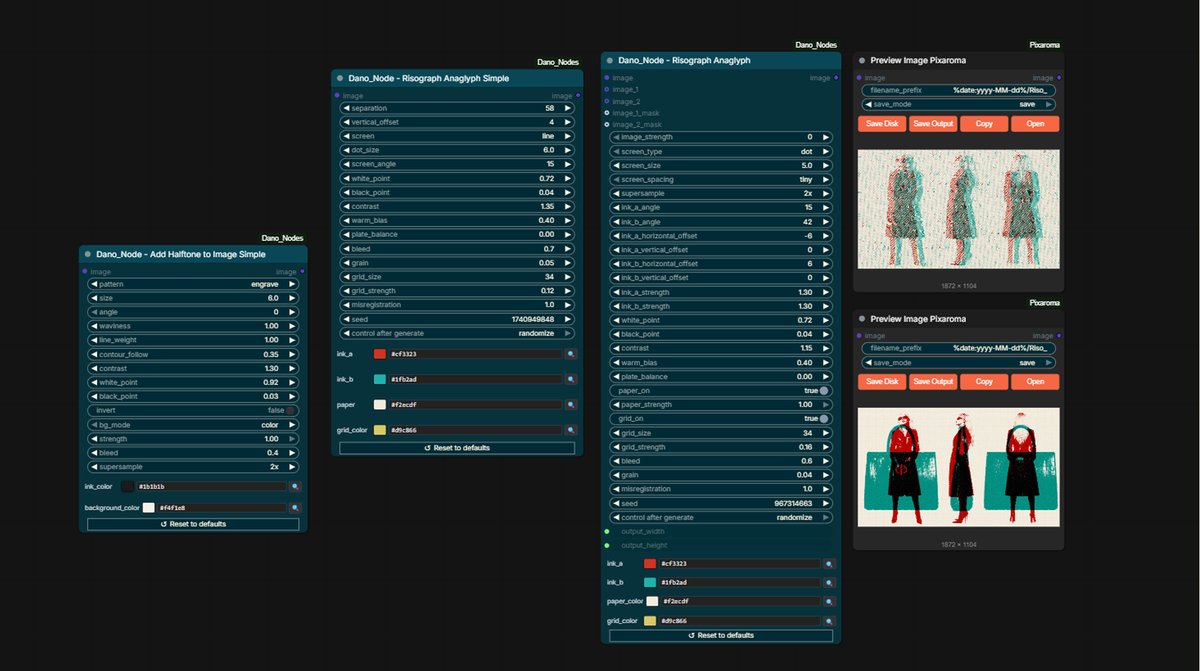
What comes out of one is rarely what the other wants. Dano Nodes are the custom nodes I am building to make the round trip between the two easier, or remove it. Currently four print-look image nodes - Risograph, Risograph Simple, Halftone Simple, Halftone Complex - pure numpy, CPU-friendly.
Interactive
Not every deliverable is a video. The same discipline applies to interactive e-learning built in Articulate Storyline, steering AI to produce every slide. See it on the e-learning project page.